Key takeaways
- Monetize idle assets: Turn your unused scooter or motorbike into an average of Rs. 6,000/month (Rs. 400 - Rs. 800/day).
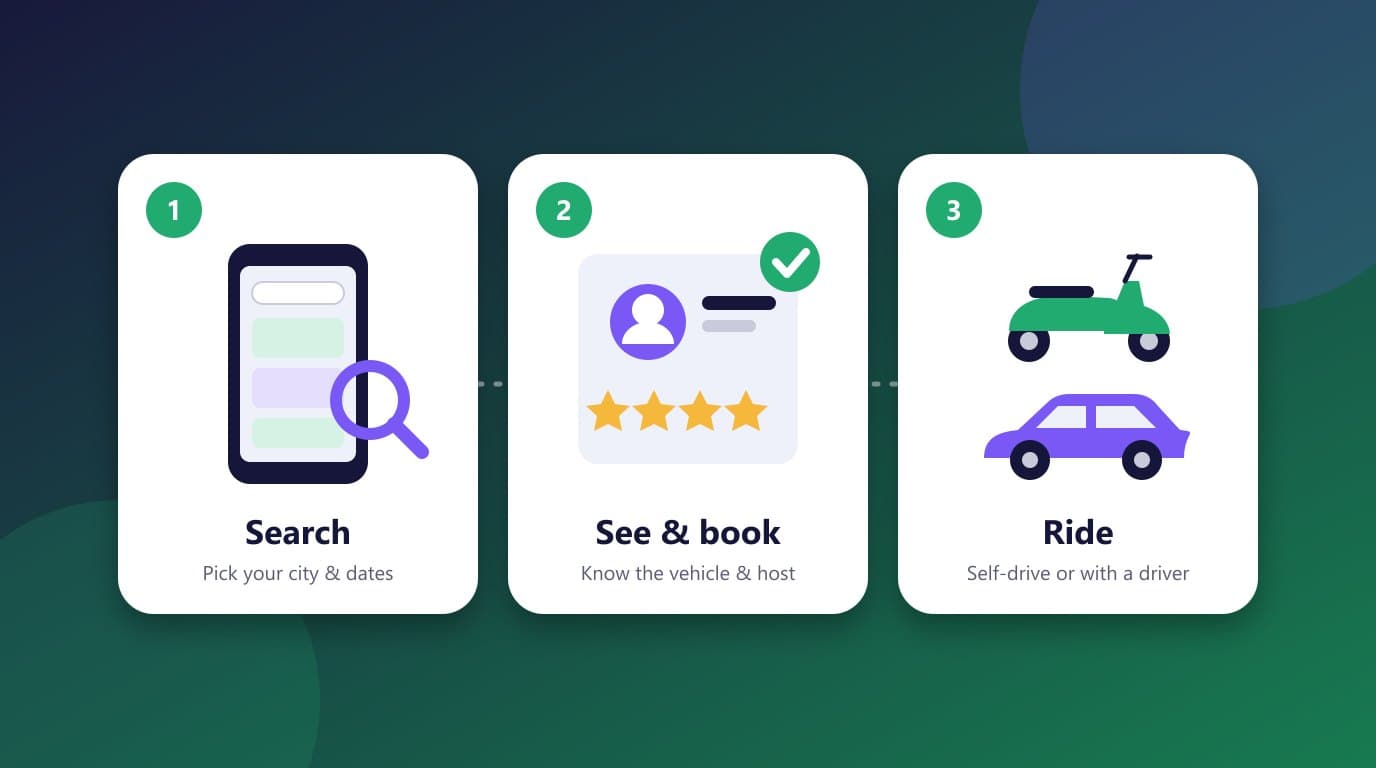
- Simple app onboarding: Download the app, add your vehicle (or just its registration number), upload at least 4 photos, set your location and confirm your price.
- 3-step verification: Hosts and riders are verified and linked to their social profiles, and both sides rate each other.
- Instant Reserve flexibility: Turn Instant Reserve off if you wish to review your rider before approving their booking.
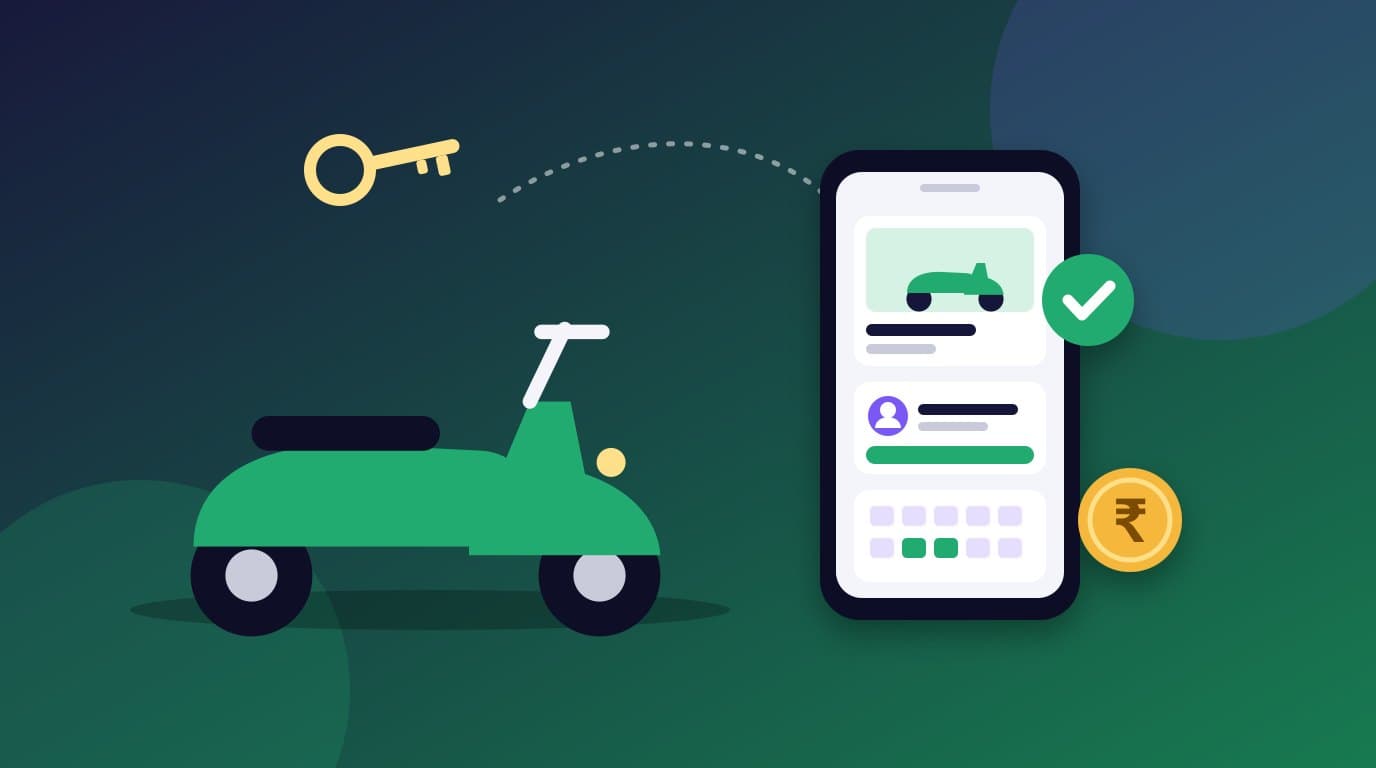
Rentop is India’s first two-wheeler rental platform where customers can rent a two-wheeler from anyone with an idle vehicle. All you’ll have to do is register on the app and list your vehicle to start earning! Our hosts earn close to Rs. 6,000 monthly on average with their idle vehicle.
Why Rentop? What you’ll find only in Rentop
We’re not just a rental platform, we’re an ecosystem. Apart from earning income with your spare vehicle, here are the key benefits of using Rentop:
Minimal effort: Hassle-free Hosting
Rentop is India’s first two-wheeler rental service that lets literally anybody list their vehicle in just a few simple steps.
Maximum safety: Not just a platform, but an ecosystem
Our 3-step verification process ensures that your vehicle is safe and secure. We authenticate all the info provided by our hosts by thoroughly inspecting it. Then, we link their profiles to their social media accounts like Instagram, Facebook, LinkedIn etc., to ensure their true personalities shine through. The exact process applies to customers as well.
Apart from this, we have also created a community where all hosts can rate their customers, and similarly, all customers can rate their hosts. This way, the next host can see the customer's ratings before approving their rental request.
Not satisfied with your potential customer’s rating? You can simply decline their booking and share the reason with us so that we can flag the customer and keep this in mind during their future bookings. Read our comprehensive vehicle safety and protection guide for more host security protocols.
Regular income: Earn Rs. 6,000 monthly
A host can easily earn anywhere between Rs. 400 - Rs. 800 per day on average by listing their idle two-wheelers. You can calculate your model-specific earnings on our interactive host earnings calculator.
How to get started: Step-by-step guide
- 1
Download the Rentop app
Download the Rentop app from the Google Play Store or Apple App Store.
- 2
Access the Host section
Tap on the “host” section in the bottom right corner of the app screen and click on “host a new vehicle”.
- 3
Select vehicle type
Next, select the type of two-wheeler that you want to list (scooter, motorcycle, or bicycle).
- 4
Enter vehicle details
Enter your vehicle details or simply enter the registration number, and we will fetch all the information required automatically from our RTA feed.
- 5
Upload high-quality photos
In the next step, you can either take real-time photos of your vehicle or add them from your gallery. We typically need a minimum of 4 photos for scooters and bikes, and 3 photos for a bicycle to get started with your listing. We recommend covering the front, either side and back angles of the vehicle.
For a detailed checklist on photo lighting and angles, read our 7 tips to make your vehicle stand out.
Setting your location, Instant Reserve & pricing
- 6
Location & Instant Reserve toggle
Once the photos are uploaded, you can either add your location manually or select the location picked up by our tool. This is the location where your vehicle will be visible to the customer while making their booking. Please make sure the location is easily accessible, accurate and in a safe parking area.
Configure Instant Reserve: You might notice a toggle option to “Configure Instant Reserve” which means the customer can make a booking immediately once your listing is live. If you wish to review your rider before approving their booking, please change this to off.
Final step: Confirm the rental price
The last step to complete your listing is confirming the rental price. By default, we will suggest a competitive price, along with the minimum and maximum rental prices available in the market. You can enter your preferred pricing per day, per booking. And on the next screen, you can enter any discount, if needed.
Our recommendation on pricing discounts
Studies show that customers are inclined towards a lower-cost vehicle with a discount when compared to a listing with a standard cost and no discounts.
Additional steps: Boost your listing & approval timeline
You can also add some more info on your vehicle like its features, mileage, years of use, number of kilometres driven, etc. to boost your listing.
And done! Your listing will be under review for the next 12 hours. We will notify you once the vehicle listing is approved, so all you’ll have to do now is sit back and relax while we help you make money with your idle vehicle.
The secret to a 5-star listing
Want your vehicle to shine through? Here are some tips to make your listing a 5-star one with these simple steps.
Read: 7 Tips to Make Your Vehicle Stand OutFrequently asked questions
How do I give my bike or scooter on rent with Rentop?
Download the Rentop app, tap the “host” section and choose “host a new vehicle”. Select your two-wheeler type, enter its details (or just the registration number), upload photos, set your pickup location and confirm your rental price.
How much can I earn as a two-wheeler host on Rentop?
Our hosts earn close to Rs. 6,000 monthly on average with their idle vehicle. A host can earn anywhere between Rs. 400 and Rs. 800 per day on average.
How does Rentop verify customers before they rent my vehicle?
Rentop uses a 3-step verification process. We authenticate the info provided by thoroughly inspecting it, then link profiles to social media accounts like Instagram, Facebook and LinkedIn. Hosts and customers also rate each other, so you can see a customer's ratings before approving their request.
Can I decline a booking if I don't feel comfortable with a rider?
Yes. Turn off “Instant Reserve” so you can review your rider before approving their booking. If you're not satisfied with a customer's rating, you can decline and share the reason with us so we can flag the customer for future bookings.
How long does it take for my vehicle listing to get approved?
Your listing will be under review for the next 12 hours. We will notify you once the vehicle listing is approved.
Piyush ChandakCEO, Rentop
Founder & CEO at Rentop. Passionate about empowering vehicle hosts to earn regular passive income and building India's premier community-powered shared mobility platform.